The classroom display
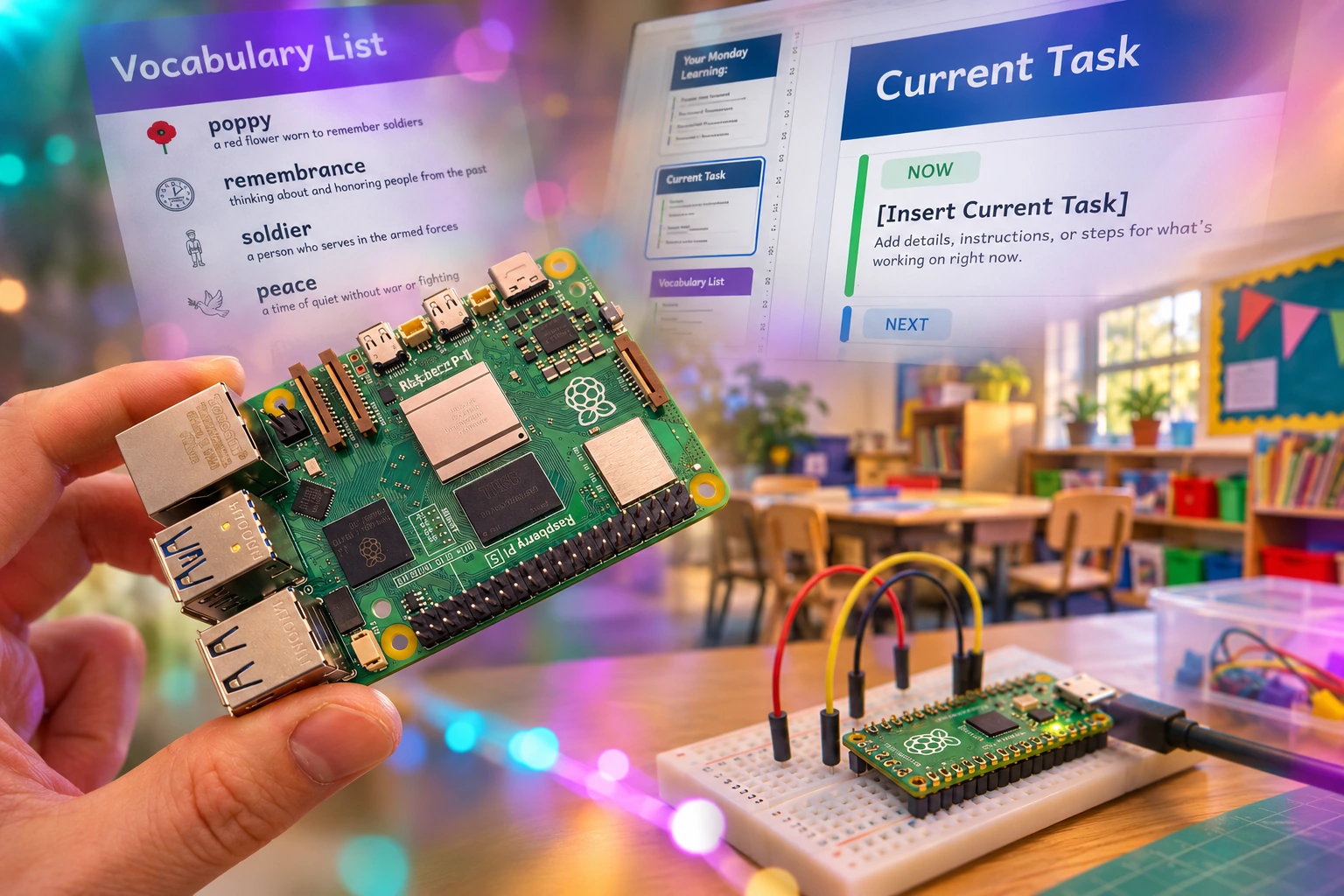
A lightweight kiosk built around Google Slides, exploring how a small computer can keep useful classroom information on screen. Familiar tools, with a little extra help around the edges.
A small playground for affordable classroom technology. Making things, trying them out, and seeing what helps.
See what’s on the desk ↓
Started by a primary teacher, Classroom Things is a place to explore useful technology for everyday school life. It’s early days: ideas, prototypes and things still being worked out. A little lab with room to play.
A lightweight kiosk built around Google Slides, exploring how a small computer can keep useful classroom information on screen. Familiar tools, with a little extra help around the edges.
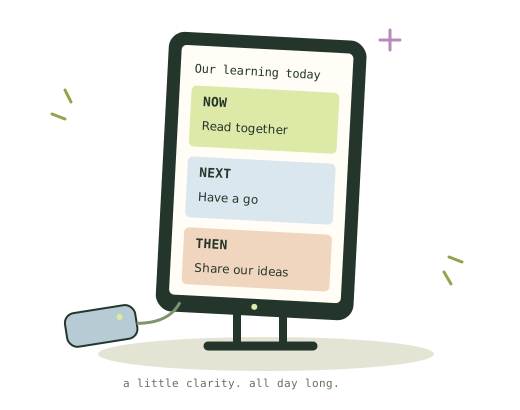
An idea for a small display that keeps the current task or learning focus close at hand. Something to help children find their place in the lesson. The hardware and design are still being explored.
That’s the aim. Useful classroom technology that children can understand and use easily, and schools can afford. Small devices, quiet displays, simple software—and AI where it has a useful job to do.
We’re also interested in AI that could save teachers time or make learning more accessible, with teachers checking what it produces. Explore open tools and local processing where practical, protect children’s information, and keep human judgement in charge. If a simpler solution works, use it. These are directions to explore, not features we’ve already built.
Technology in everyday life has moved on. Too many classrooms have been left behind. Interactive boards, tablets and laptops have their place, but there’s room for better tools: a small desk display, a timely reminder, or a simpler way through an everyday task.
Start with the child and a real classroom need. Children’s needs can be subtle and varied; we want to draw on teachers’ knowledge, established practice and research to make tools that offer the right help at the right moment.
If a simple whiteboard does the job well, use the whiteboard. We’re looking for moments where technology can make a real improvement or save time and effort. Each idea needs a reason to exist.
Classrooms are places for people. Keep technology unobtrusive and leave room for conversation, attention and learning together. If screenless works, go screenless. Where a display helps, favour quiet e-ink over bright LED screens when it suits the job.
Useful technology should be within reach. Keep hardware costs low, make good use of equipment schools already have, and think about the whole cost of owning and using a tool.
A tool should do its job consistently. Clear status, sensible fallbacks and straightforward recovery matter when a lesson is already under way.
Design for repeated use, and durable enough should it be used aggressively. Aim for things that last, with parts that can be repaired or replaced where practical.
Keep the teacher’s day in mind, from setup to the smallest everyday action. If a twenty-year-old workbook and a photocopier do the job more easily, that’s what gets used. Or the Windows Snipping Tool. We understand the affection.
Useful technology should be within reach. The hope is to share free tools you can run on your own hardware, and eventually offer some things ready to use. For now, we’re finding out what’s worth making.
A classroom problem, a question, or an idea to try.
Please do get in touch!